
How to Make a Tiny Desk AI Video (Step by Step)
Put yourself, a friend or anyone who agreed behind the desk from one photo: every step with screenshots, what it costs and tips for the best result.
Oct 26, 2026
Tiny Desk AI videos put someone unexpected behind a cramped office desk, singing lead with a band, like a desk concert. With the Tiny Desk AI Video Generator you need one photo and a few minutes: the AI builds the desk, the shelves of records, the band and the sound around the person in your photo. This guide shows every screen.
1. Open the generator
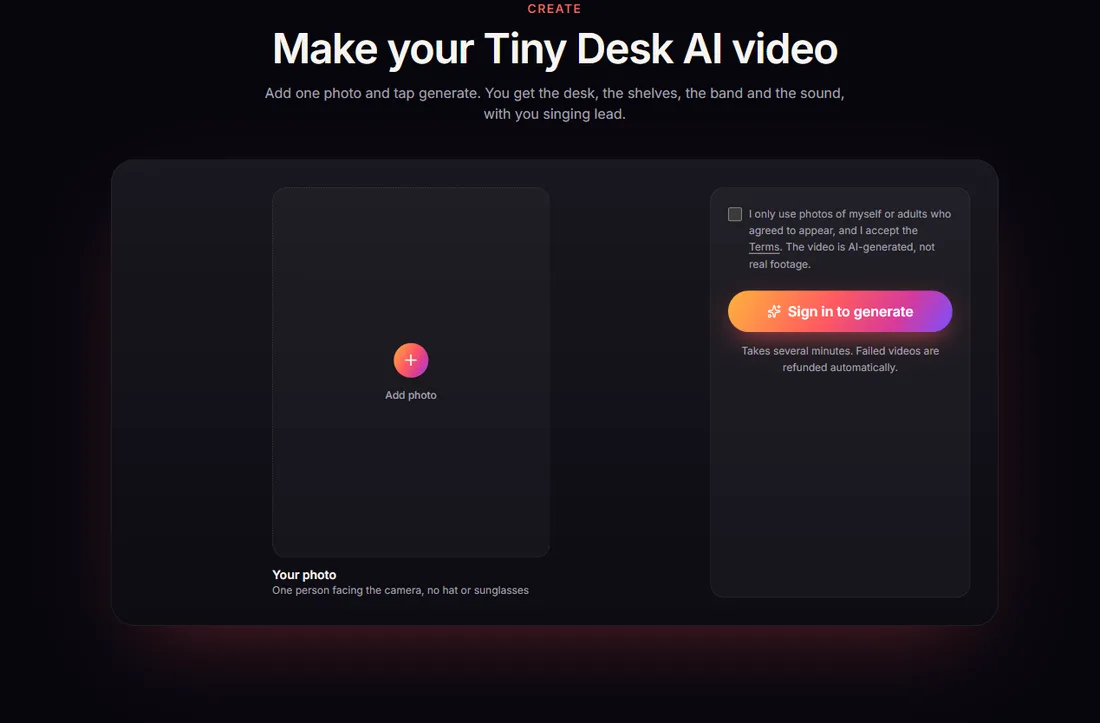
Go to tinydeskai.app and scroll to Make your Tiny Desk AI video, or click Create video at the top. Signed out, the generator shows where your photo goes and asks you to sign in before you generate.
2. Sign in
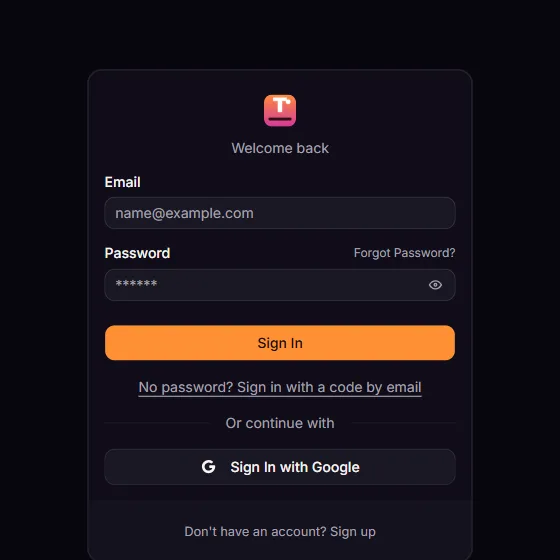
Sign in with Google in one click, or create an account with your email and a password (you confirm the email once). The videos you buy and the videos you make are tied to this account.
3. Buy videos
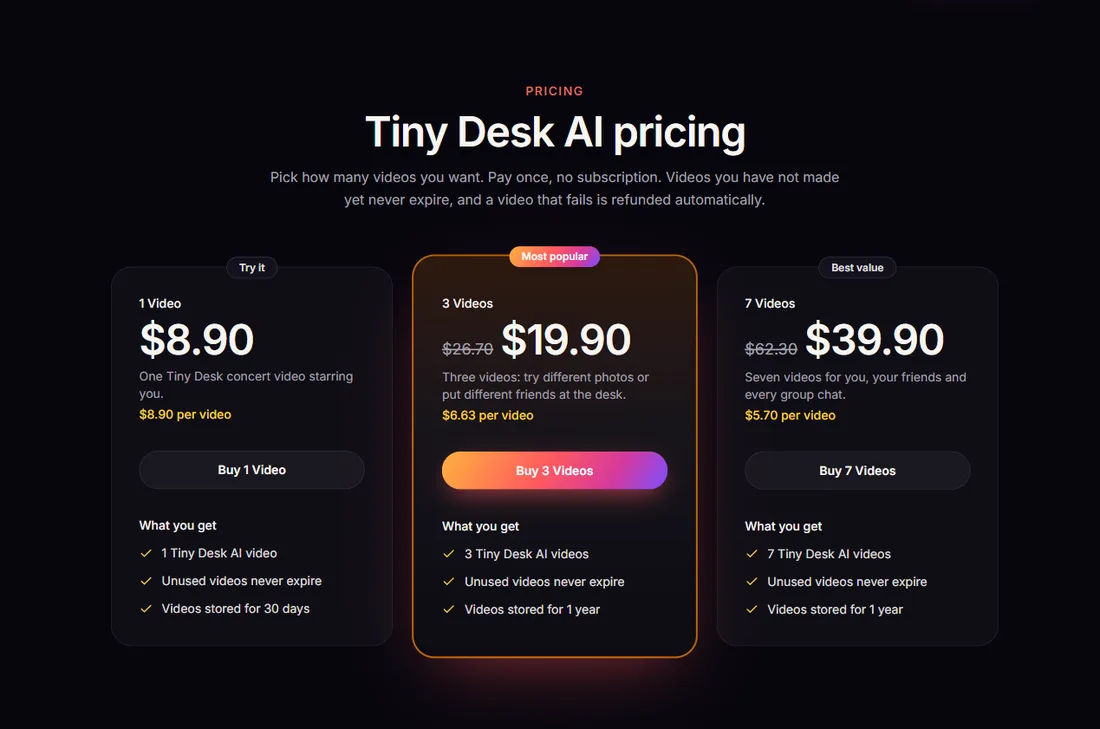
Videos come in one-time packs; there is no subscription. Every video is a 15-second, 9:16 desk concert with sound, and videos you have bought but not made yet never expire:
| Pack | Price | Per video |
|---|---|---|
| 1 Video | $8.90 | $8.90 |
| 3 Videos | $19.90 | $6.63 |
| 5 Videos | $29.90 | $5.98 |
4. Add one photo
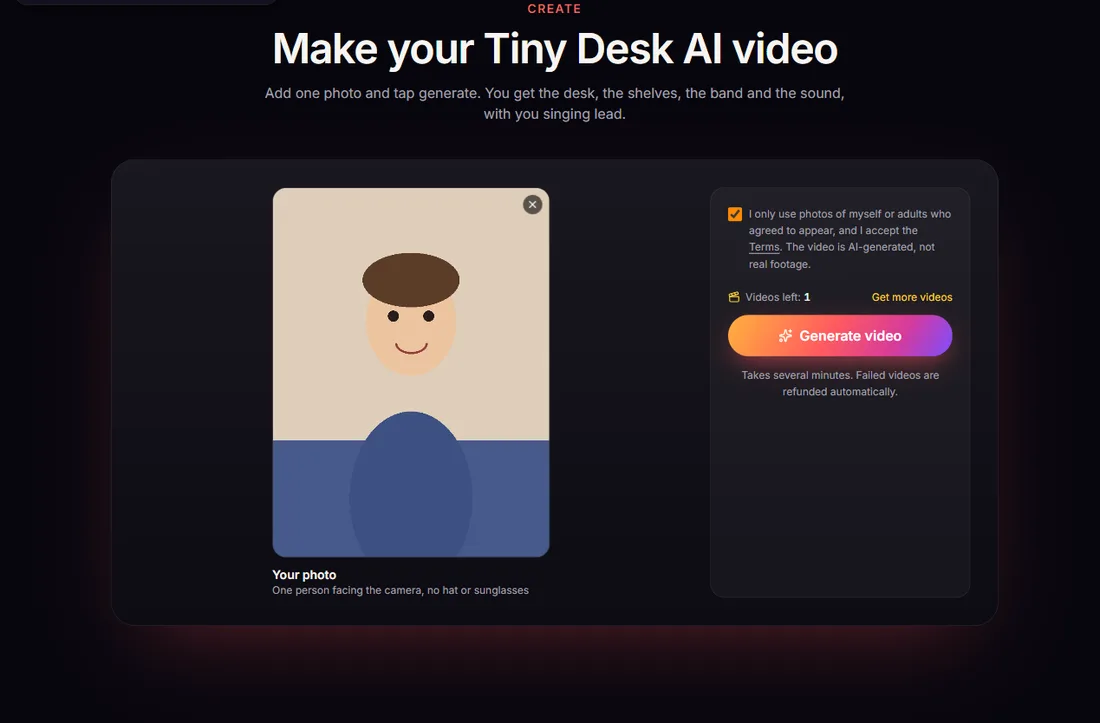
Back on the generator, add one photo of one person. What works best:
- Front-facing, eyes visible, no sunglasses, even light.
- Waist-up rather than a tight face crop: the AI keeps the outfit too, and the singer needs a body behind the desk.
- Someone unexpected. The trend lives on casting: the person who would never sing in public, giving it everything at the desk.
Then tick the box confirming the photo shows you or an adult who agreed. Photos of celebrities, public figures or minors are not allowed.
5. Generate
Click Generate. One video from your pack is used when it starts, and rendering takes several minutes. You can close the tab; the video keeps rendering and appears in My videos. If a render fails, the video comes back to your account automatically. With no videos left, Generate opens the three packs instead.
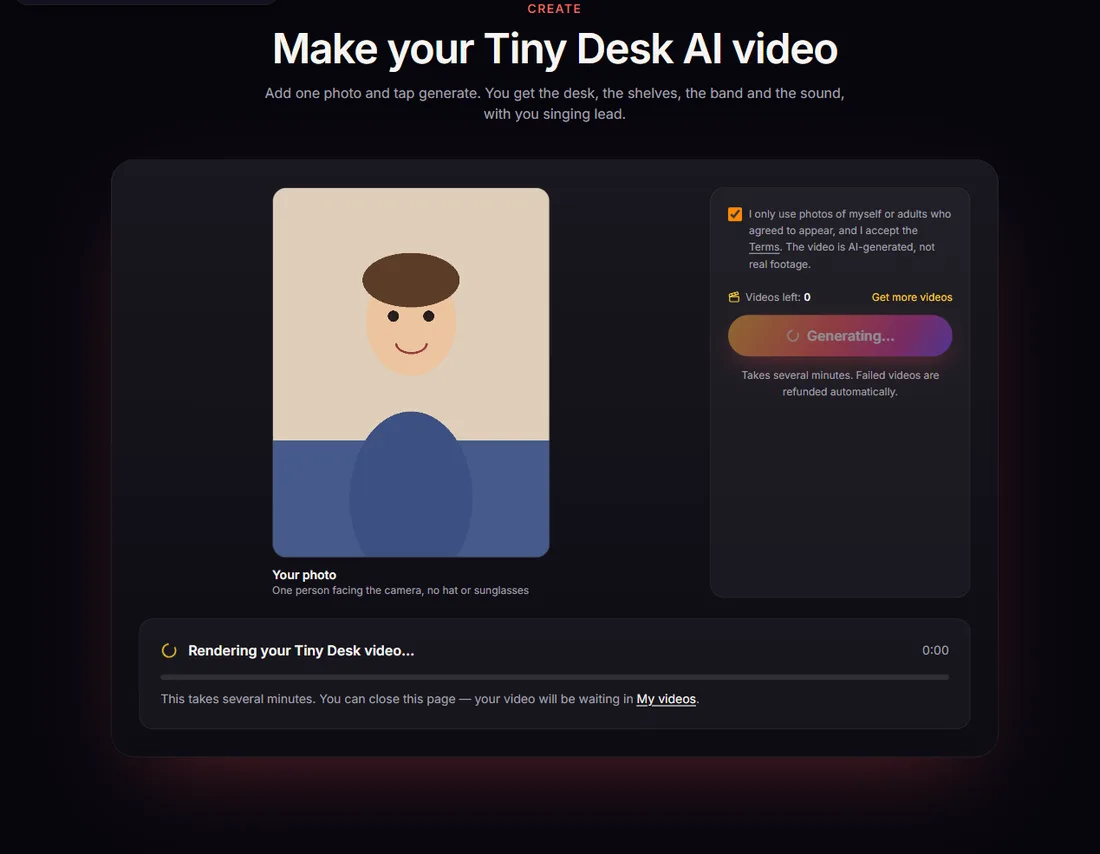
6. Download and post
When it is done, watch it and download the MP4 from the generator or from My videos. You get a 15-second, 9:16 clip with the band and vocals, ready for TikTok, Reels or Shorts. Turn on the platform's AI-generated label when you post.
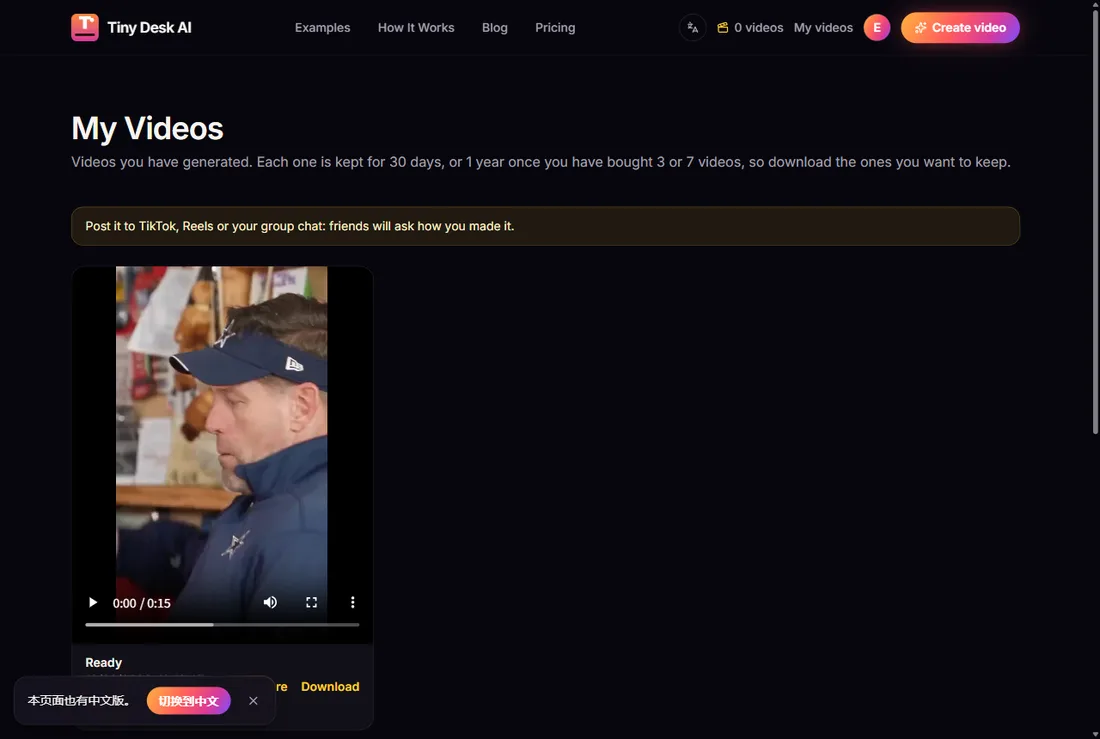
What to expect
- Each video is a new scene: the desk, the shelves and the band are generated for your clip, so no two videos look exactly alike.
- The face is closest when the photo is front-facing and well lit; in quick head turns it can drift a little.
- The music and vocals are generated with the video. They are not the songs from the viral clips.
- Every video is made for phones: vertical 9:16, ready for TikTok, Reels and Shorts.
Want the backstory first? Read where the Tiny Desk AI trend came from. Ready? Open the generator or see pricing first.
Make your Tiny Desk AI video
One photo in, a 15-second desk concert out, band and sound included.
Open the generator